A touchpad in your hand
Move the cursor, click, and type on Windows from your Android screen.
✦ PREVIEW
One phone. Three ways to work. Control Windows, move files between devices, and use your Android camera as a webcam.
Windows 10 or 11 · x64 · 1.0.0 unsigned test build · 21.9 MB
Move the cursor, click, and type on Windows from your Android screen.
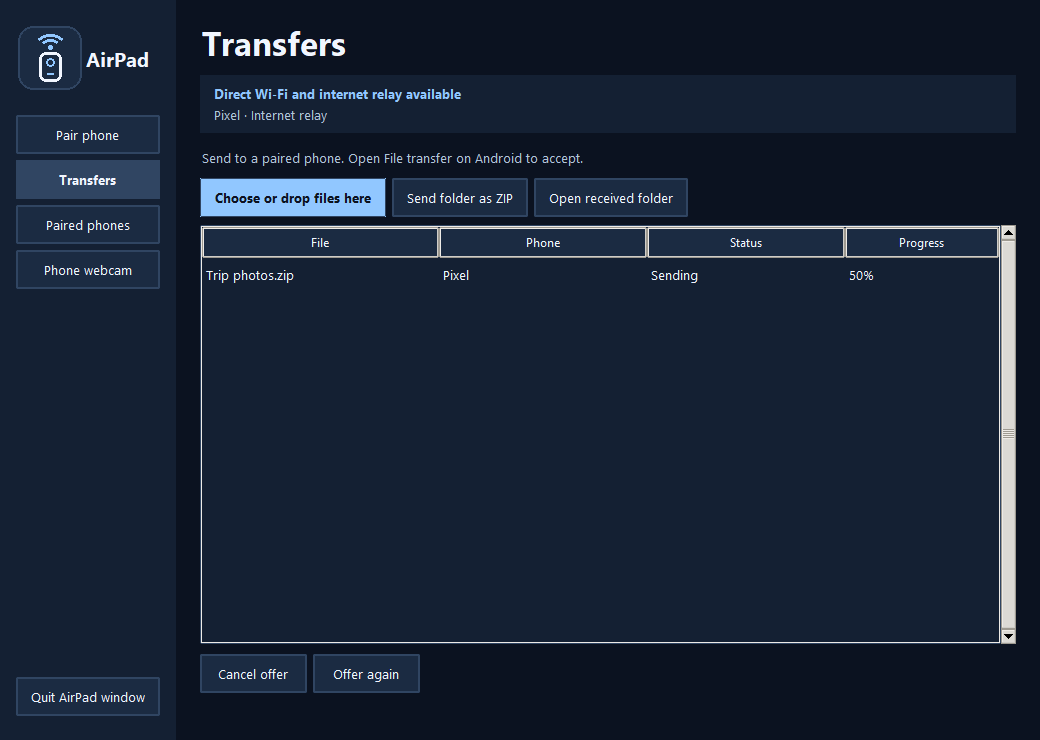
Offer a file from Windows, accept it on Android, and watch the transfer progress on your PC.
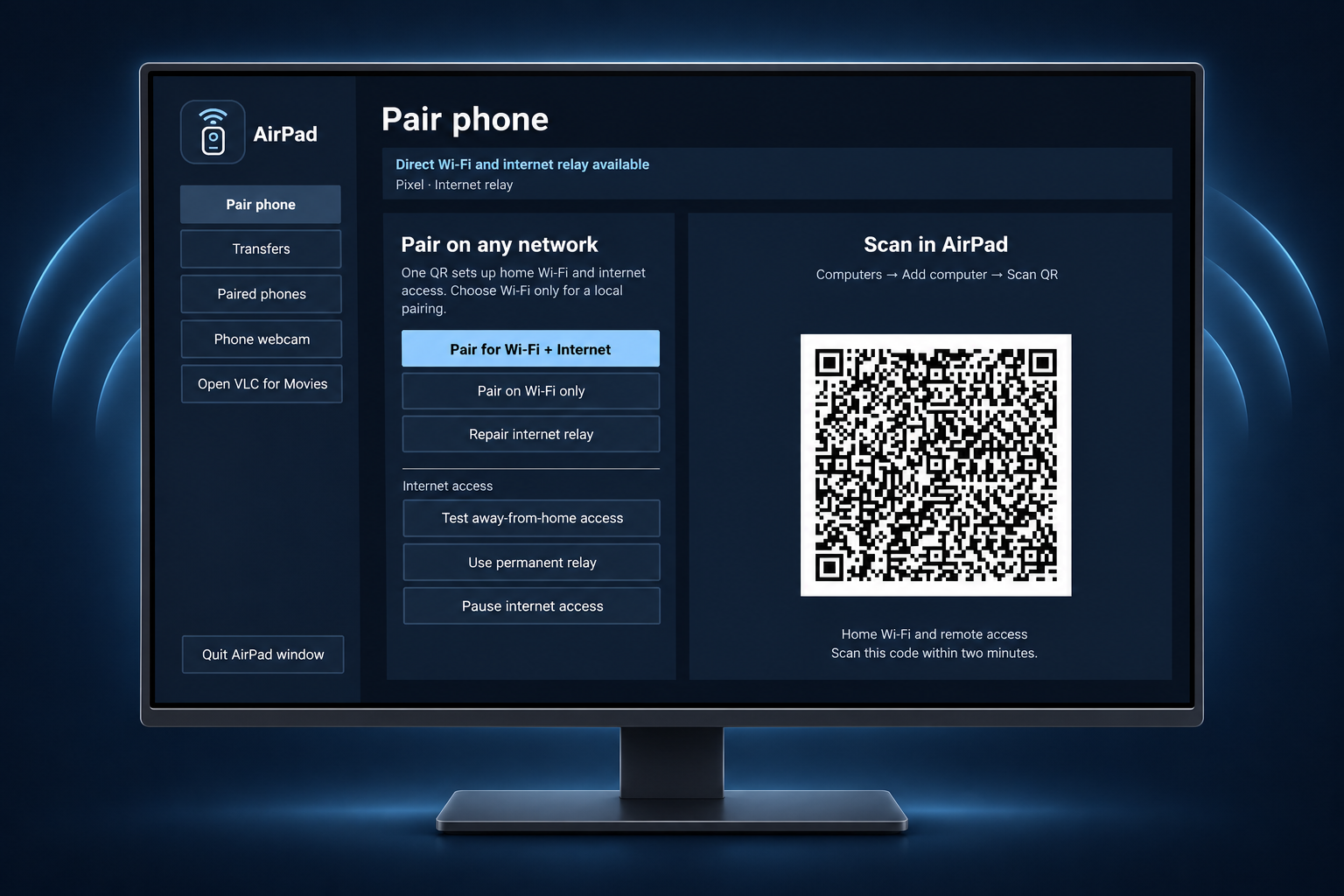
Choose Wi-Fi + Internet pairing to use a relay. Keep your PC awake and connected.
See your phone camera on your PC, then use it in OBS over Wi-Fi or USB.
Capture pages on Android or choose images, arrange them, and save a PDF on your phone or PC.
Install AirPad, open it from Start, and choose Pair a phone on Wi-Fi.
f681f79b2184400de5eaceae921c66bcae6d29b164e3b65098e4f79559bc57a0Local test download for Android 9 or later.
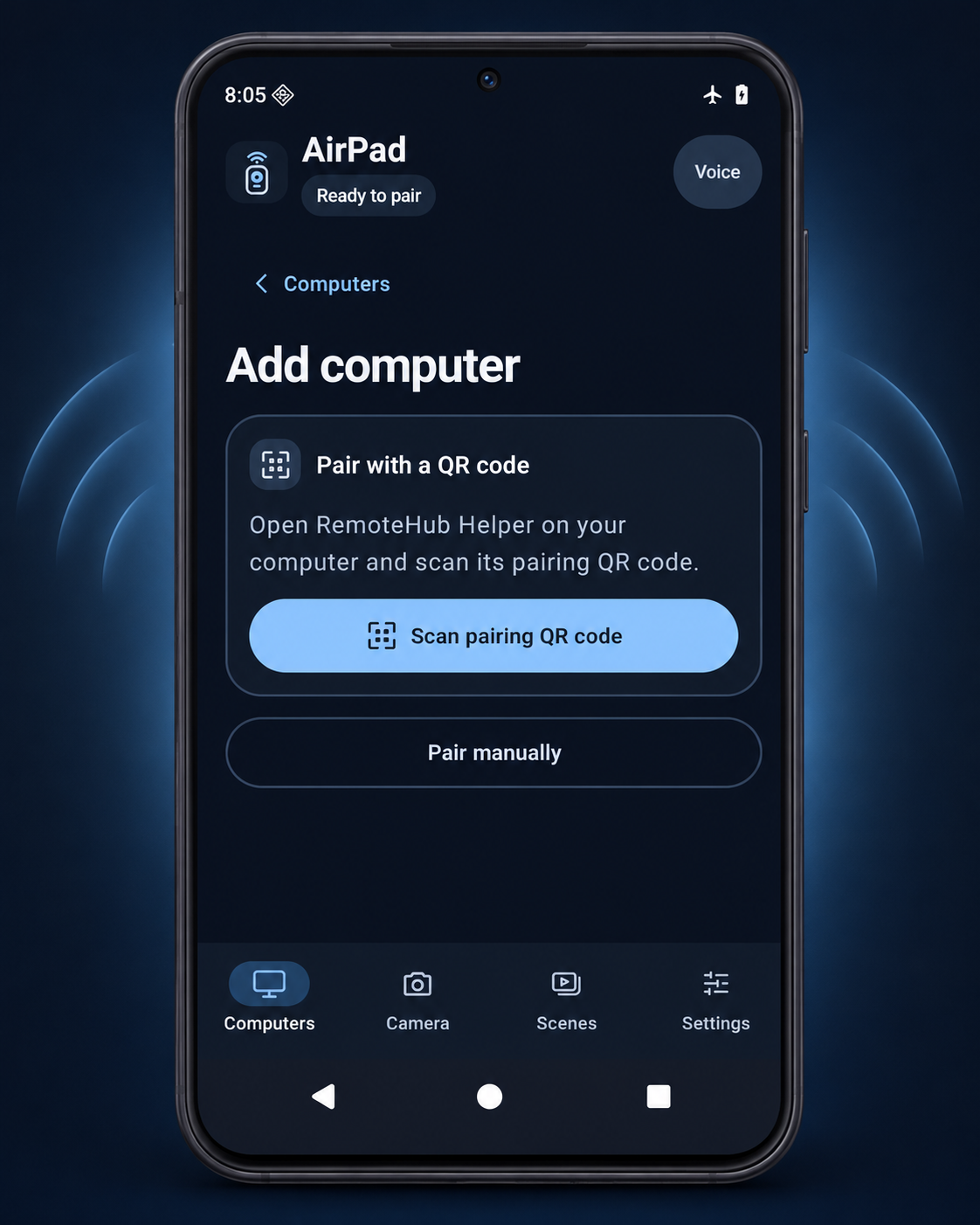
Join the same Wi-Fi. Open Computers → Add computer and scan the QR shown on your PC.
For Screen or folder browsing, select your phone in AirPad for Windows → Paired phones → Phone access. For Movies, choose Open VLC for Movies.
Privacy and permissions